Highest quality download
This Facebook video downloader can save the highest quality available. You can download Full HD and 4K videos with sound. Many similar tools only let you download HD videos.


Save Facebook videos in 1080p, 2K, and 4K. Free, and it works on every device.
Fdown is a tool to download Facebook videos in high quality at Full HD, 2K, and 4K (MP4). You can download Facebook videos to your device, such as a PC, phone, or tablet, in HD quality. It is a browser-based video downloader, so it can be used on any device without system-requirement limits.
This Facebook video downloader can save the highest quality available. You can download Full HD and 4K videos with sound. Many similar tools only let you download HD videos.
Downloading Facebook videos is easier with this downloader. It can be used on a phone, PC, tablet, Android, and iOS without any supporting software.
Fdown lets you download Facebook videos free of cost. There is no need to buy a subscription.
Save a Facebook video from its link in three steps.
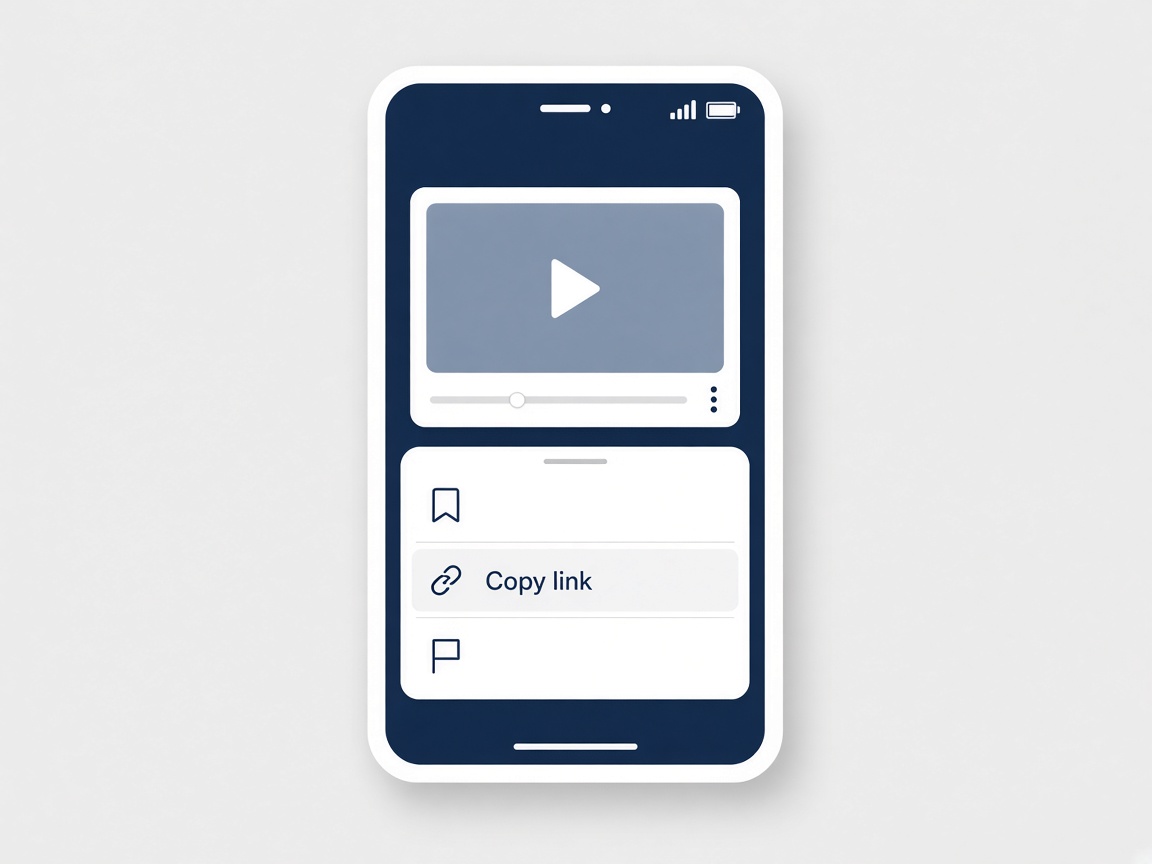
On Facebook, open the video you want, choose Share, and copy the link. Paste that link into the box above.

Press Download, then pick the quality you want to keep. The choices depend on the original video.

Wait for the file to be prepared, then save it to your computer, phone, or tablet.
Fdown is an HD Facebook downloader that helps you save Facebook videos on your device for offline viewing. Regular posts, livestreams, and videos from public and private groups can be downloaded when the link is available.
You can also download Facebook stories in high quality. Fdown lets you save stories posted by other people through this Facebook video downloader.
It is a free browser tool for saving Facebook videos in the quality the source offers, including Full HD and 4K when the video has it. You do not install an app.
Copy the video link, paste it into the box at the top of this page, and press Download. Then choose the file you want to save.
Use the same steps in the phone browser. Copy the link, paste it here, press Download, and choose a quality.
Start with a Facebook video that was posted in 4K. Paste that link here, press Download, and choose the 4K file if it is offered.
Open this page in Safari, paste the link, and press Download. iOS usually saves the file in the Files app. You can move it into Photos from the share menu.
Copy the link of the video and paste it into the box on this page. Fdown prepares the download from that link.
On Android it is usually in the Downloads folder. On iPhone, look in Files, then save it into Photos if you want it in the gallery.
You can save a live video after the broadcast has ended. A stream that is still playing cannot be saved here.
No. Fdown does not host the video or keep a library of downloads. The file is fetched for your save and is not stored as a copy on this site.